Game Credits: Balance, Use & Purchase Help

Game Credits: Balance, Use & Purchase Help

Using XX3 credits allows players to improve their overall experience by accessing several features and content. Knowing how to properly use these credits without wasting the balance.

Below, we explore the steps to use your credit balance well, common problems you may face, and solutions to improve your play sessions.

Use the official entry page and check the current terms before continuing.

In This Guide

How XX3 Credits Work

How XX3 Credits Work

XX3 credits are a virtual balance used for selected in-game items or features. Check the price and remaining balance before confirming a purchase.

Players should regularly check their credit balance to plan their usage well.

  • Unused credit balance may expire after a certain period.
  • Credit balance can be earned through play sessions or purchased.
  • Some items or features may require credits.
How to Use Your Credit balance

How to Use Your Credit balance

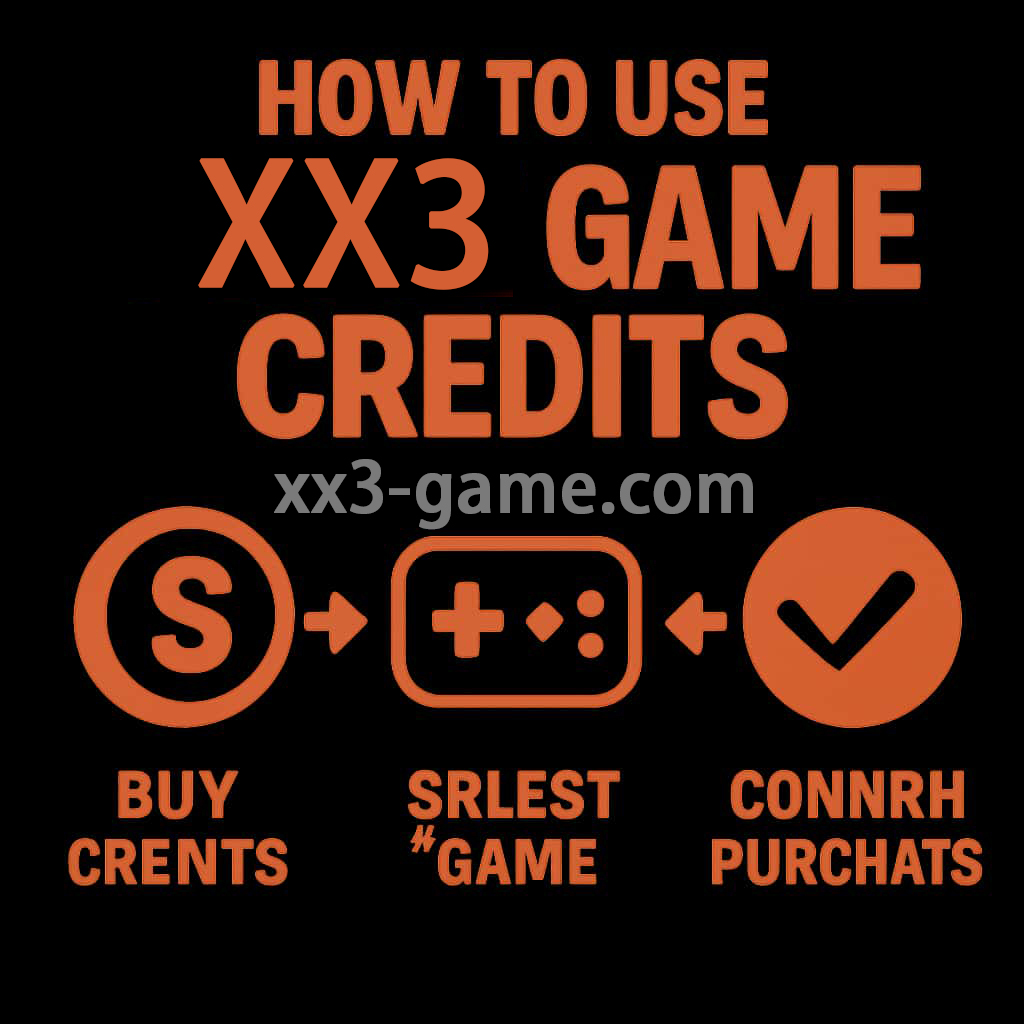
To use your credit balance, open the in-game shop or marketplace where you can view the available content for order. Choose the game item you wish to buy and confirm your checkout.

Additionally, keep an eye out for special promotions that might allow you to gain more value from your credit balance, as specific in our promotions overview.

  • Access the shop from the main menu.
  • Choose items and confirm the order.
  • Check your checkout history to manage credit balance.

Dealing with common problems

While using XX3 credits, players might run into some problems. Common problems include incorrect balance displays or failed transactions.

If a purchase fails, check account history before trying again and confirm that the connection is stable.

  • Clear the cache if experiencing display problems.
  • Reach the help team for unresolved problems through our support guide.
  • Confirm your account security settings.

What to Do

1

Log into Your Account

Ensure you are logged into your XX3 account to view your credit balance.

2

Navigate to the Shop

Go to the in-game shop from the main menu.

3

Choose Your Game item

Browse through the available items and choose what you want to order.

4

Confirm Order

Confirm that you want to spend your credit balance on the selected game item.

5

Check Your Up to Date Balance

After the checkout, check your credit balance to make sure it has been up to date correctly.

Common Problems

Incorrect credit balance shown

This may occur due to a temporary glitch or synchronization problem.

  • Refresh the app or webpage.
  • Check your checkout history for updates.

Failed checkout

This could be due to connection problems or insufficient credit balance.

  • Ensure you have enough credit balance.
  • Check your network link.

Related Guides

Frequently Asked Questions

You can check your credit balance in the account settings or the shop section of the game.
Make sure to refresh the game and check your network link. If the problem persists, reach the help team.